SteamID Checker
System Documentation
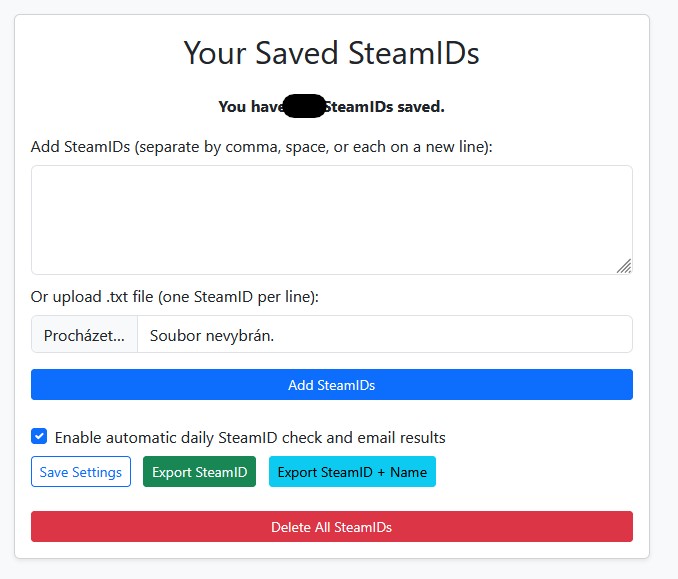
1️⃣ SteamID
This section allows you to add new SteamIDs for automatic or manual ban checks.
- Add multiple SteamIDs manually (comma, space, or new line separated)
- Upload a .txt file (one SteamID per line)
- Enable automatic daily ban checks at 6:00 AM
- Receive ban check results via email
This feature helps you monitor selected Steam accounts and get notified if a ban occurs.
2️⃣ Monitoring
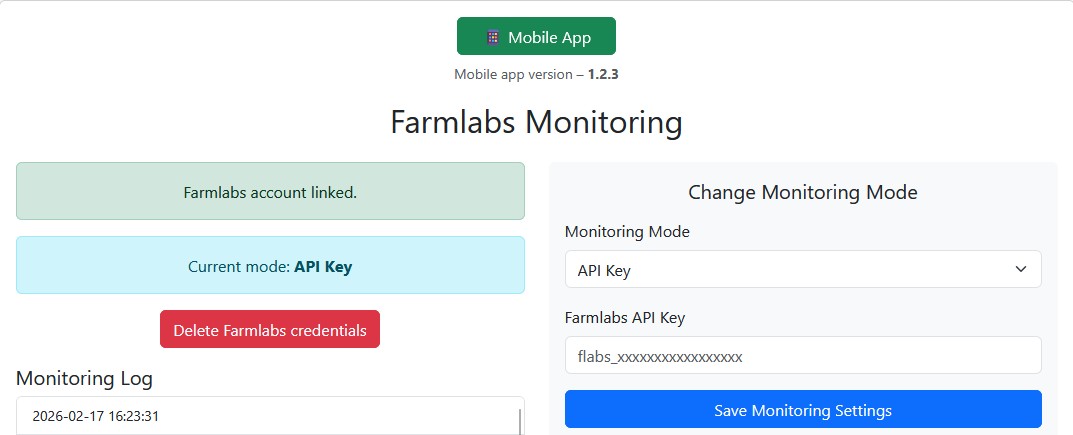
In this section, you can configure the connection to Farmlabs.
- Connect using username/password
- Connect using an API key
- Switch monitoring modes
- Remove saved credentials
You can also download the mobile application (Android only) directly from this page.
Monitoring allows you to track Farmlabs account activity and system status.
3️⃣ Trader
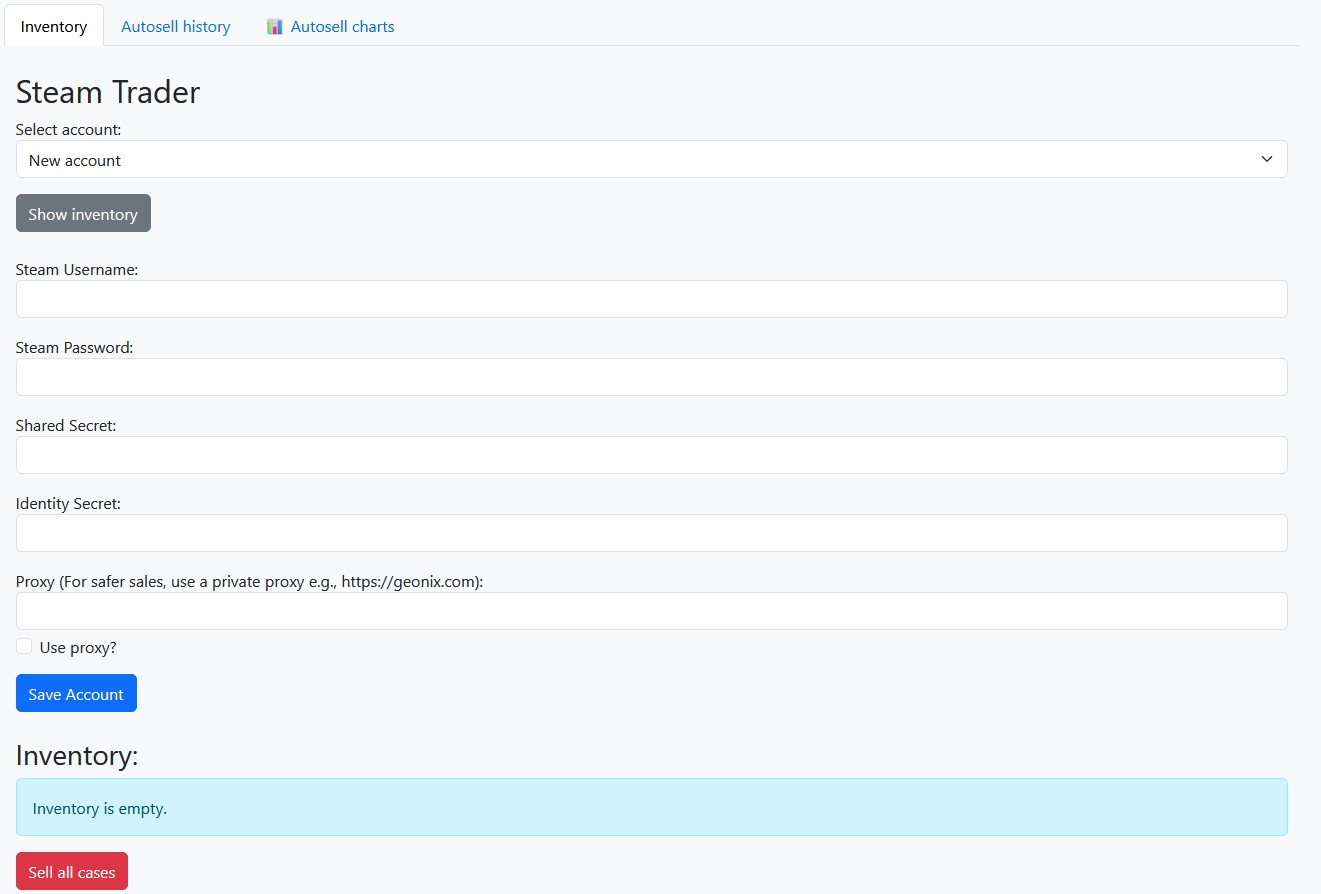
The Trader section allows you to manage Steam accounts used for item selling.
- Add Steam accounts (username, password, shared secret, identity secret)
- Configure proxy settings for safer trading
- Load inventory
- List and sell items directly on the Steam Market
There is also an option to sell all cases automatically. You only need to have SDA enabled (automatic confirmations must be active).
Additional features include:
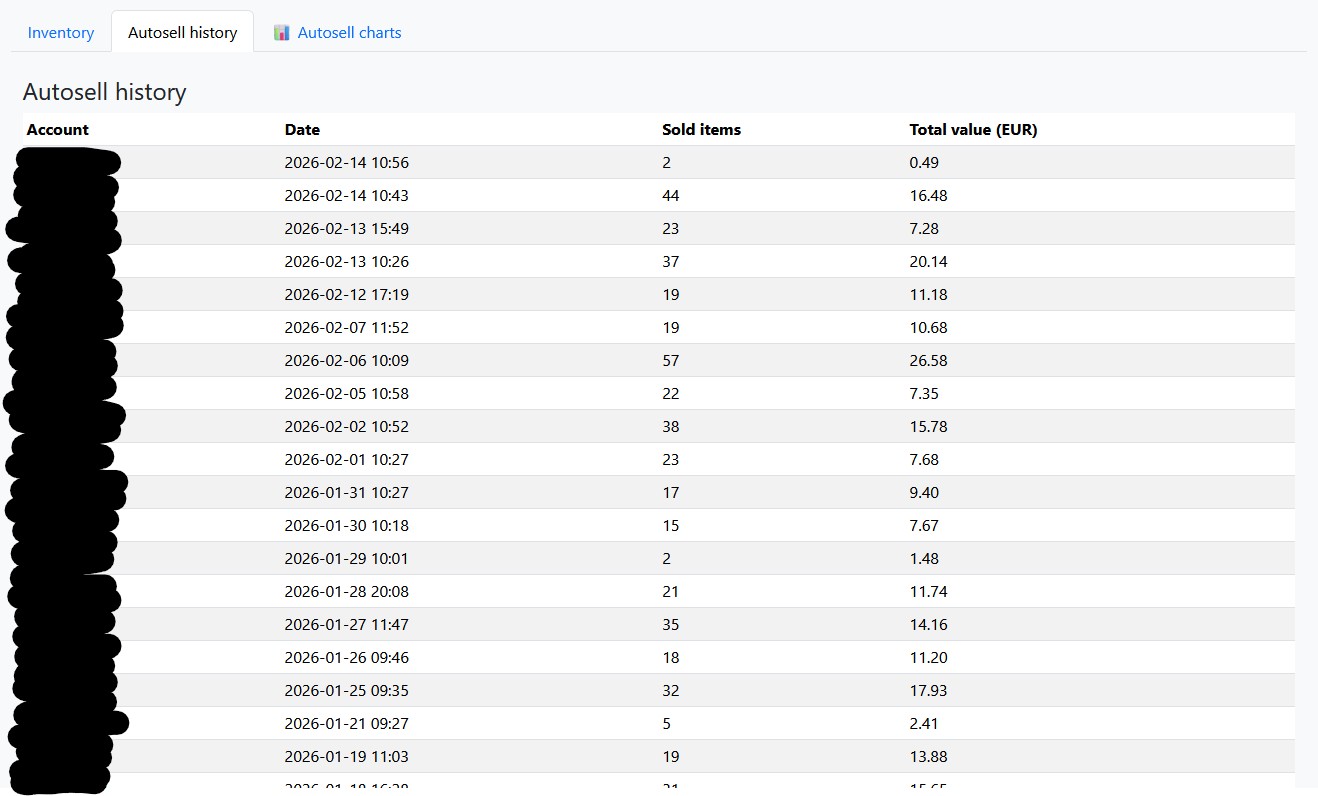
- Autosell history tracking
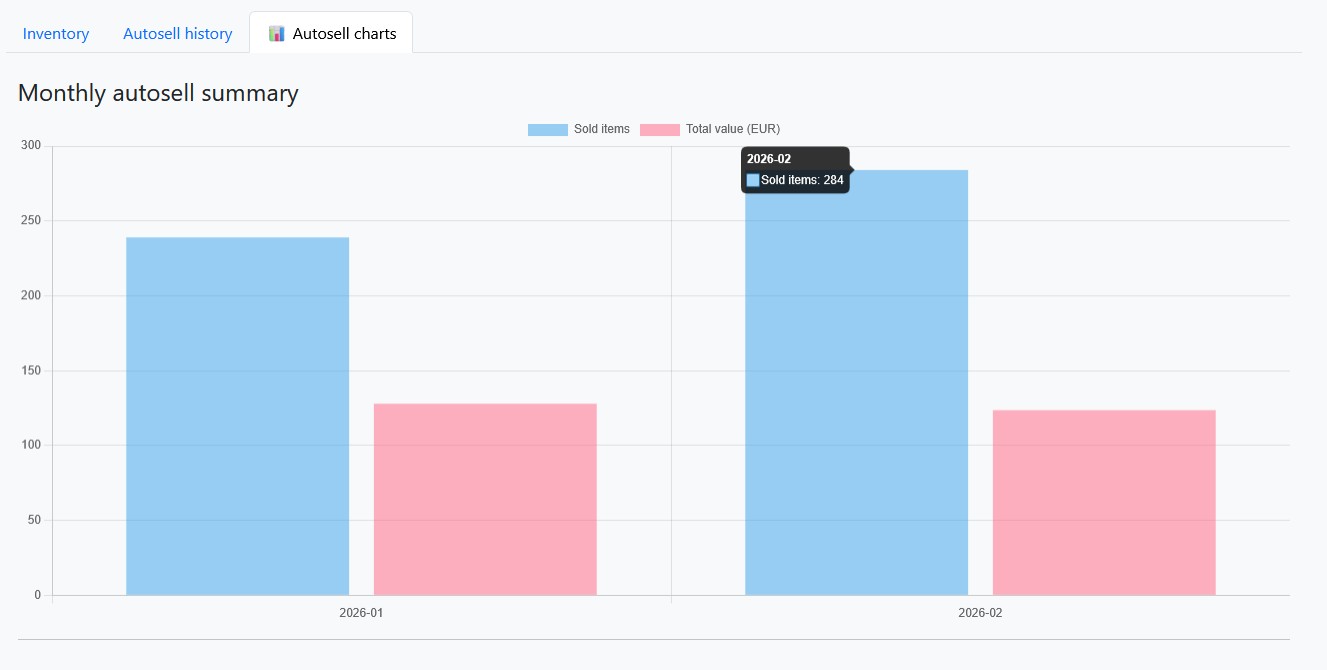
- Autosell statistics
- Monthly sales charts
- Sold items and revenue overview
This section provides full control over automated case selling and performance tracking.
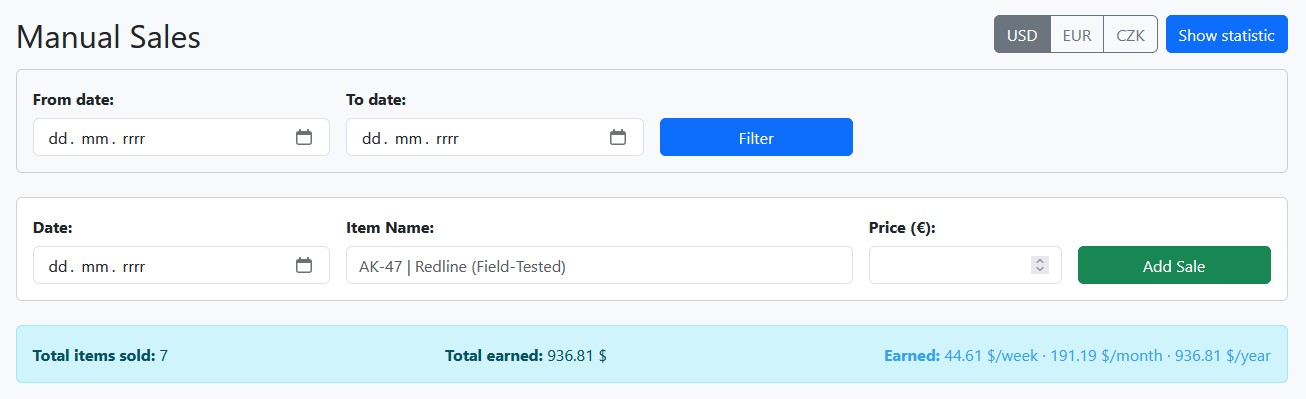
4️⃣ Sell (Manual Sales)
This is currently a provisional page for manually adding sold items.
It allows you to track profit per:
- Week
- Month
- Year
In the future, this section will be automated and integrated with services like CSFloat and similar platforms.
For now, it serves as a manual profit tracking tool.